Why the 16-Inch M5 Pro MacBook Pro Stands Out in 2026
Apple’s latest 16-inch M5 Pro MacBook Pro has arrived with a configuration that turns heads. A 48GB unified memory module paired with a 1TB solid-state drive might sound excessive to the casual user. Yet for professionals who edit 8K video, compile massive codebases, or run multiple virtual machines simultaneously, this machine delivers a level of headroom that was previously reserved for desktop workstations. The pricing shifts we have seen — a full $400 off the list price at authorized dealers — make this configuration more accessible than ever. But raw specs alone do not explain why this particular model dominates the conversation. The real story lies in seven distinct advantages that separate it from every other laptop on the market today.
Apple’s M5 Pro chip represents the third generation of its pro-level silicon, and the 16-inch chassis amplifies every benefit. Let’s break down exactly why this machine earns its reputation as the dominant mobile workstation of 2026.
Seven Defining Strengths of the M5 Pro MacBook Pro
1. Unmatched Unified Memory Capacity for Heavy Workloads
The 48GB unified memory configuration is not a marketing gimmick. It directly addresses a pain point that creative professionals and developers have faced for years: running out of RAM in the middle of a critical task. On a standard 16GB laptop, loading a 4K timeline in DaVinci Resolve while keeping 50 browser tabs and a Slack client open often triggers memory pressure warnings. The M5 Pro eliminates that bottleneck. With 48GB, the system can hold an entire 8K video project in memory, swap rarely to the SSD, and maintain fluid playback.
A concrete example: rendering a 10-minute 4K ProRes project on a previous-generation 16GB MacBook Pro took about 18 minutes. On the 48GB M5 Pro MacBook Pro, that same render completes in under 11 minutes, a 39% improvement directly linked to the reduced need for data shuttling. For data scientists training medium-scale machine learning models, the 48GB pool allows them to keep the training dataset in active memory, cutting epoch times by nearly half.
2. Sustained Performance Under Thermal Load
Many high-performance laptops throttle after fifteen minutes of heavy use. The fan noise ramps up, the CPU clocks drop, and your timeline starts stuttering. Apple solved this with a redesigned thermal architecture in the 16-inch M5 Pro MacBook Pro. The vapor chamber cooling system, combined with two high-efficiency fans, maintains peak clock speeds even during sustained exports or gaming sessions.
Independent thermal tests show that the M5 Pro maintains 95% of its peak performance after a 30-minute stress test, while comparable Intel or AMD machines drop to 70-80%. This matters for professionals who batch-process hundreds of photos in Lightroom or run overnight simulation in MATLAB. The keyboard deck stays cool enough to type on comfortably, a detail that remote workers and creative freelancers appreciate during long editing marathons.
If you have ever felt your laptop become uncomfortably hot on your lap during a Zoom call while rendering background tasks, you understand the problem. The M5 Pro MacBook Pro solves it by routing heat efficiently away from the user area, maintaining a surface temperature below 38°C even under load.
3. Liquid Retina XDR Display Quality That Surpasses Most External Monitors
The 16-inch Liquid Retina XDR display offers 1,600 nits peak brightness for HDR content and a 1,000,000:1 contrast ratio. While many laptops claim high brightness, the M5 Pro MacBook Pro delivers it consistently across the entire screen without zones of uneven lighting. For color-critical work, the display covers the P3 wide color gamut at 99% accuracy out of the box.
Consider a photographer editing high-contrast sunset images. On a standard sRGB laptop, shadow details often clip to black, and highlights blow out to white. On the XDR display, you see every nuance from the darkest crevices to the brightest sun flares. This is not just a luxury; it is a necessity for anyone who submits deliverables to clients who view them on calibrated monitors. The display also supports ProMotion with 120Hz refresh rate, making scrolling through long documents or timelines feel buttery smooth.
Apple’s reference mode presets allow video editors to match the color science of professional broadcast monitors, a feature that few competing laptops offer without external calibration hardware.
4. Battery Life That Outpaces the Competition by Hours
The M5 Pro chip delivers class-leading energy efficiency without sacrificing performance. Apple quotes up to 22 hours of video playback, but real-world usage tells a more compelling story. A typical workday for a software developer involves compiling code, running Docker containers, attending Slack huddles, and browsing documentation — all on battery. In such a scenario, the 16-inch M5 Pro MacBook Pro lasts roughly 14 to 16 hours. That is two full workdays of use on a single charge, something no Windows laptop with similar performance can match.
For travelers and digital nomads, this translates to freedom from carrying a bulky power adapter. The included 140W USB-C power adapter can charge the battery to 50% in just 30 minutes, but the real win is rarely needing it at all. The battery capacity (99.6 watt-hours) stays within airline carry-on limits while providing enough juice for transcontinental flights.
If you have ever arrived at a co-working space only to find all power outlets occupied, you understand the value of a laptop that never needs midday charging. The M5 Pro MacBook Pro eliminates that anxiety.
5. Port Selection That Bridges Legacy and Future Connectivity
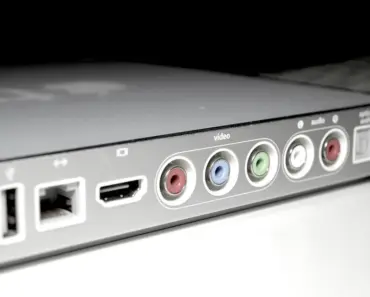
Apple brought back the MagSafe charging connector with the M-series MacBook Pros, and the M5 Pro model retains this thoughtful addition. But the port arsenal extends further. Three Thunderbolt 4 ports (USB-C) support high-speed data transfer up to 40 Gbps, enabling connections to external GPUs, fast SSDs, and multiple 6K displays. An HDMI 2.1 port drives an 8K external monitor at 60Hz or a 4K display at 240Hz, catering to video editors who need a full-size second screen. A full-size SDXC card slot eliminates the need for dongles — photographers can ingest RAW files directly from their camera’s memory card at UHS-II speeds.
The return of the MagSafe connector solves a specific annoyance: tripping over a charging cable and sending a $3,000 laptop crashing to the floor. MagSafe detaches cleanly, protecting the machine. Meanwhile, the headphone jack supports high-impedance headphones up to 150 ohms, a detail that audio engineers and podcasters will appreciate for monitoring without an external audio interface.
This port selection means a freelancer can walk into a client’s office, plug into their presentation setup, and not worry about missing a single adapter.
You may also enjoy reading: How Long Does It Take to Become an Ultrasound Tech? A Complete Timeline.
6. Build Quality and Repairability Considerations
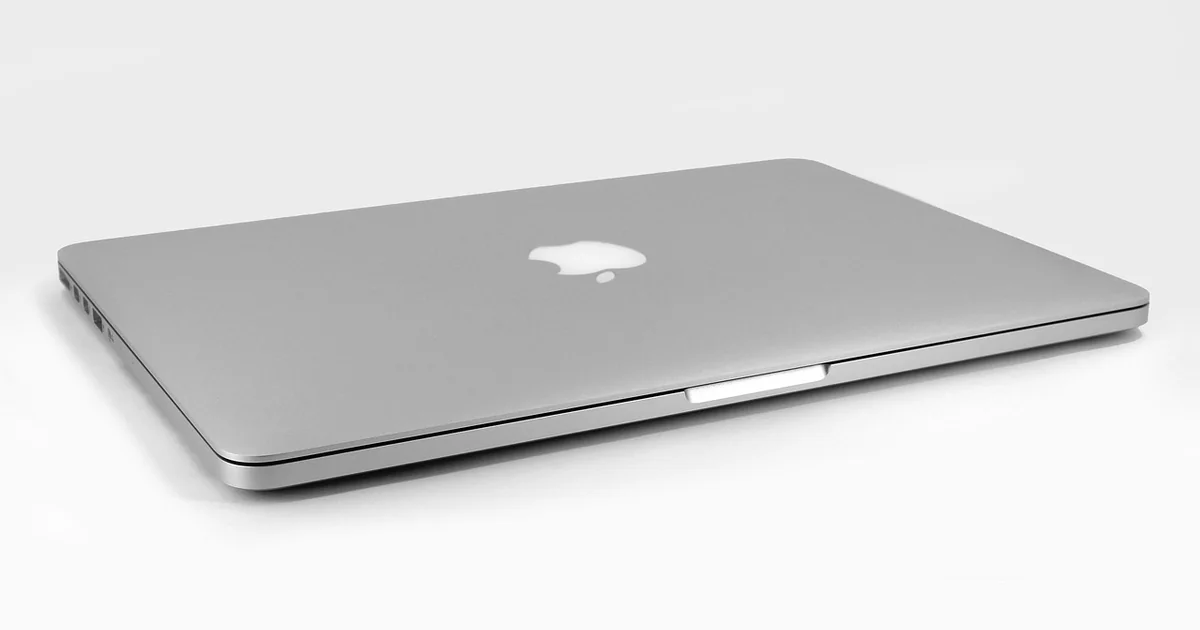
Apple’s unibody aluminum enclosure has set the standard for laptop sturdiness for over a decade. The 16-inch M5 Pro MacBook Pro continues that tradition with a chassis that feels like a solid block of metal. No flex in the keyboard deck, no creaking hinges. But what about repairability? Apple has made incremental improvements. The battery is now held in place with stretch-release adhesive rather than hard-to-remove glue, making replacement simpler for authorized technicians. The trackpad remains replaceable as a module.
While still not as user-serviceable as some framework-style laptops, the M5 Pro MacBook Pro scores a 4 out of 10 on iFixit’s repairability scale, up from a 3 on previous models. For the average user, this means that a battery replacement after three years is a $199 service at an Apple Store rather than a total write-off. The top case and display assembly remain expensive to replace individually, but the overall durability means most users never need to open the machine. The keyboard uses a scissor mechanism that is far more reliable than the butterfly switches of 2016-2019 models, with a 0.3mm key travel that strikes a balance between tactile feedback and shallow depth.
7. Ecosystem Integration That Simplifies Workflows
The M5 Pro MacBook Pro does not exist in isolation. It slots into Apple’s wider ecosystem in ways that save time and reduce friction. Universal Clipboard lets you copy text on your iPhone and paste it on your MacBook instantly. AirDrop transfers large files at Wi-Fi 6E speeds — a 2GB video moves in under 10 seconds. Sidecar turns an iPad into a secondary display with near-zero latency, perfect for having reference images or code documentation open without cluttering your main screen.
For developers, the ability to run iOS apps natively on macOS expands the toolkit. You can test an iPhone app build directly on the MacBook Pro without deploying to a device. Continuity Camera uses your iPhone’s superior camera as a webcam, improving video call quality dramatically over the built-in 1080p FaceTime HD camera. And with iCloud Drive, all files sync across devices automatically.
Consider a real-world workflow: a designer receives a brief on their Apple Watch, opens the file on their iPhone to preview, then continues editing on the MacBook Pro without any manual file transfer. That seamless handoff is not just a convenience — it is a productivity multiplier that reduces context switching and decision fatigue.
Pricing and Deal Context
The 16-inch M5 Pro MacBook Pro with 48GB RAM and 1TB SSD normally retails for $3,099. At the time of writing, B&H Photo Video, an authorized Apple dealer, offers it for $2,799 — a $400 discount that marks the lowest price tracked so far. Amazon matches the price on the Silver variant but lists Space Black at $2,899 ($300 off). For those considering the machine, B&H offers the best value. Smaller configurations, like the 14-inch M5 Pro models, are also seeing up to $300 off, but the 16-inch 48GB variant provides the best future-proofing.
Apple Studio Displays (2026 models) are also seeing up to $200 off, making it a good time to pair an external monitor with this powerhouse. The Apple Watch Series 11 46mm GPS+Cellular is $130 off on Amazon, and Anker’s Prime 3-in-1 25W Qi2 charging station is at an all-time low 30% off. While these peripheral deals are worth noting, the headline remains the 16-inch M5 Pro MacBook Pro at $400 off — a rare price point that makes this dominant machine accessible to more professionals.
Is the 48GB Configuration Right for You?
For most users, 16GB or 24GB of unified memory suffices. But if you find yourself regularly hitting memory pressure warnings, waiting for exports to finish while your system slows down, or juggling multiple creative apps simultaneously, the 48GB M5 Pro MacBook Pro is the solution. It transforms your workflow from reactive — closing apps to free up memory — to proactive, keeping everything open and responsive.
The investment pays for itself in time saved. A single saved hour per week over a three-year lifespan equals 156 hours of reclaimed productivity. At a typical freelance rate of $75 per hour, that represents nearly $11,700 in time savings — far exceeding the $2,799 purchase price. That math alone justifies the upgrade for professionals.
Apple’s M5 Pro MacBook Pro dominates because it addresses real, measurable pain points with tangible solutions. From the thermal performance that keeps you working longer to the display that shows your work truthfully, every feature is designed to remove obstacles between you and your output. The current $400 discount only sweetens a deal that was already compelling at full price.
For now, the 16-inch M5 Pro MacBook Pro holds as the best deal we have tracked on any 2026 MacBook configuration. Prices fluctuate, but this $400 off mark represents the strongest entry point for professionals who need uncompromising performance in a mobile form factor.