Finding the perfect balance between high-end performance and a reasonable price tag often feels like an impossible task for PC enthusiasts. Most top-tier hardware comes with a premium that can quickly drain a monthly budget, leaving gamers to choose between cutting corners or waiting months for a sale. However, a rare opportunity has emerged for those looking to elevate their visual experience. A significant price drop has transformed a high-performance display into one of the most attractive values on the market right now.
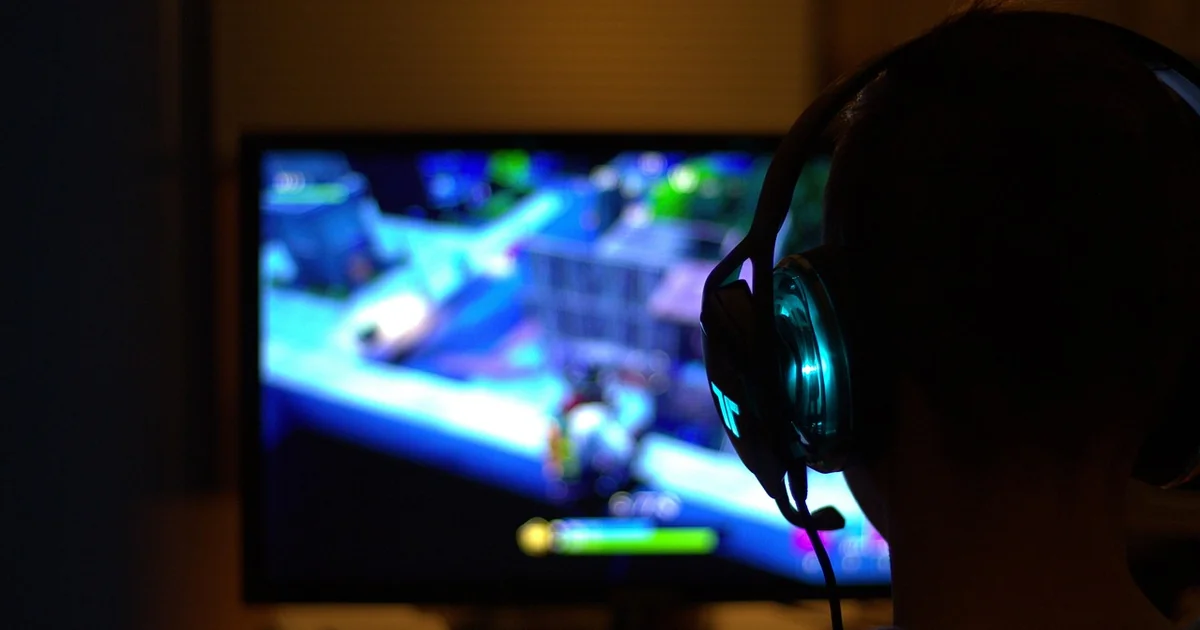
Unlocking Value with a High-Performance Alienware Gaming Monitor
The current market for high-refresh-rate displays is incredibly competitive, yet certain brands consistently set the standard for build quality and panel technology. Currently, the Alienware 34 240Hz QD-OLED is available for $649.99 at Amazon, which represents a substantial $150 reduction from its standard $799.99 MSRP. This 19% discount marks the lowest price point observed for this specific model, making it a strategic moment for hardware upgrades.
When you consider the technical specifications, the value proposition becomes even clearer. This isn’t just a standard widescreen; it is a 34.2-inch powerhouse featuring a 3440 x 1440 resolution. For those transitioning from a traditional 16:9 aspect ratio to an ultrawide setup, the difference in field of view is immediate and profound. It provides a wider canvas that allows you to see more of your digital environment, which is a massive advantage in both competitive and cinematic gaming scenarios.
The integration of Quantum Dot OLED (QD-OLED) technology is perhaps the most significant highlight here. Unlike traditional LED-backlit LCDs that rely on a backlight shining through liquid crystals, OLED pixels emit their own light. This allows for true blacks and an infinite contrast ratio. The addition of Quantum Dots enhances the color brightness and purity, ensuring that the visuals are not just sharp, but vibrantly lifelike.
The Impact of Refresh Rates on Gameplay Fluidity
One of the most frequent questions asked by enthusiasts is whether a high refresh rate actually makes a tangible difference during intense sessions. If you are coming from a standard 60Hz display, moving to a 240Hz panel feels like stepping out of a slideshow and into a fluid reality. The refresh rate refers to how many times per second the monitor updates the image on the screen.
At 240Hz, the intervals between frames are incredibly short, reducing motion blur and making fast-moving objects appear much smoother. This is particularly vital in first-person shooters or racing simulators where split-second reactions determine victory or defeat. When the screen updates so rapidly, your eyes can track movement with much higher precision, reducing the cognitive load required to process fast-paced action.
Understanding Response Time and Motion Clarity
While refresh rate is about how often the image updates, response time is about how quickly an individual pixel can change from one color to another. This Alienware gaming monitor boasts an incredible 0.03ms response time. In the world of display technology, this is nearly instantaneous.
Low response times are the primary defense against “ghosting,” a phenomenon where a faint trail follows moving objects on the screen. In high-stakes gaming, ghosting can obscure enemies or make it difficult to judge distances. With a 0.03ms response, the transitions are so fast that the motion remains crisp and clear, even during the most chaotic onscreen explosions or rapid camera pans.
The Science of Immersion: Curves and Color Accuracy
Visual immersion is not just about resolution; it is about how the display interacts with your natural field of vision. This model utilizes an 1800R curve, which is a measurement of the radius of the screen’s arc. A lower number indicates a more aggressive curve, and the 1800R provides a gentle wrap-around effect that is designed to match the natural curvature of the human eye.
Imagine sitting in front of a massive, flat ultrawide screen. The edges of the monitor are physically further away from your eyes than the center, which can cause slight distortions in perceived distance and brightness. A curved display brings those edges closer to your peripheral vision, creating a more uniform focal distance. This helps “envelop” the user in the game world, making a role-playing adventure feel significantly more expansive and detailed.
Color Precision and the DCI-P3 Standard
For many users, a monitor serves a dual purpose. You might spend your mornings editing photos or managing complex spreadsheets and your evenings diving into digital worlds. This is where color gamut becomes a critical factor. This display covers 99.3% of the DCI-P3 color space, which is a professional standard used in the film industry.
DCI-P3 offers a much wider range of colors than the standard sRGB space used by most web content. This means you see deeper reds, more vibrant greens, and a more nuanced spectrum of shades. For a creative professional, this ensures that the colors you see on your screen are accurate to the source material. For a gamer, it means the sunset in a fantasy world looks breathtakingly realistic rather than washed out and artificial.
Overcoming Common Hardware Challenges
Upgrading to a high-end display is not without its hurdles. Many users face specific technical or ergonomic challenges when integrating new hardware into an existing ecosystem. Being aware of these issues beforehand allows for a much smoother transition.
Managing High-Resolution Hardware Demands
A common mistake is purchasing a high-resolution, high-refresh-rate monitor without checking if the current PC can actually drive it. Running a 3440 x 1440 resolution at 240Hz requires significant graphical processing power. If your GPU is older, you might find that you cannot actually reach the 240Hz peak in modern AAA titles.
To solve this, you should perform a quick audit of your hardware. Check your graphics card’s specifications against the recommended requirements for the games you play most. If you find a bottleneck, you might need to utilize technologies like DLSS (Deep Learning Super Sampling) or FSR (FidelityFX Super Resolution) to upscale the image. These AI-driven tools allow you to maintain high frame rates without sacrificing too much visual clarity.
Ergonomics and Desk Real Estate
Ultrawide monitors, especially those in the 34-inch range, occupy a significant amount of desk space. A common challenge is finding a setup that is both comfortable and aesthetically pleasing. If your desk is too shallow, the monitor might feel uncomfortably close to your face, leading to eye strain.
You may also enjoy reading: 7 Ways to Master Automating the API Lifecycle.
A practical solution is to invest in a high-quality monitor arm rather than relying solely on the included stand. A monitor arm allows you to adjust the depth, height, and tilt of the screen with much greater precision. This ensures that the center of the screen is at eye level, promoting better posture and reducing neck fatigue during long sessions of work or play.
Strategic Purchasing: When to Buy and How to Save
The tech market is cyclical, and prices fluctuate based on product lifecycles and seasonal sales. Many gamers find themselves stuck in a cycle of “waiting for the next big sale,” only to miss the current best deal. Understanding how to navigate these fluctuations is key to maximizing your budget.
The Risk of Waiting for Future Price Drops
While it is tempting to wait for a Black Friday or holiday sale, there is no guarantee that a specific model will hit a lower price point in the future. In fact, as newer models are released, older high-end stock can sometimes become harder to find, or the price may stabilize at a higher level due to limited supply. When a product hits a “record low,” as this Alienware model has, it is often a signal that the current inventory is being cleared to make room for next-generation hardware.
If you have been eyeing a specific upgrade and the price drops by nearly 20%, the math usually favors buying now. The utility and enjoyment you gain from the upgrade over the next several months often outweigh the small, uncertain possibility of saving an extra $10 or $20 later in the year.
Evaluating the Total Cost of Ownership
When looking at a deal, it is important to look beyond the initial sticker price. Consider the longevity of the product. A high-spec display like this one is built to last. Because it features such high-end specs—240Hz, QD-OLED, and a wide color gamut—it is “future-proofed” to an extent. It will remain a high-performing device even as new games with even more demanding graphics are released.
Think of it as an investment in your primary interface with the digital world. A cheap, low-quality monitor might save you money today, but you may find yourself needing to replace it in two years because it lacks the brightness, color, or speed required for modern software. Buying a premium unit during a sale provides the best of both worlds: top-tier longevity and a reduced entry cost.
A Versatile Tool for the Modern User
The distinction between “gaming gear” and “productivity tools” is increasingly blurred. The modern user often wears many hats, moving from a professional environment to a recreational one within minutes. This makes the versatility of a display paramount.
For the professional, the ultrawide aspect ratio is a game-changer for multitasking. Instead of having two separate monitors with a plastic bezel cutting through your field of view, you have one seamless expanse of screen. You can have a research document open on one side, a video call on the other, and your primary workspace in the center. This layout mimics a multi-monitor setup but offers a much cleaner, more organized aesthetic that reduces visual clutter.
For the gamer, that same expansive screen provides the immersion needed to lose oneself in a story-driven RPG or the competitive edge needed to dominate in an online arena. The ability to switch between these two worlds without needing different hardware is a massive benefit for anyone working from home or managing a compact setup.
Ultimately, securing a high-end piece of technology like an alienware gaming monitor at a significant discount is about more than just saving money; it is about accessing a level of performance that was previously out of reach for many. Whether you are looking to sharpen your competitive edge or simply want a more beautiful way to interact with your digital life, this current price point offers a rare window of opportunity.