A user transfers funds, checks balance, and invests while running to catch a train — this is the new normal in banking. This shift in everyday behavior is reshaping the financial industry. These apps have become the primary channel for customer engagement and financial management.
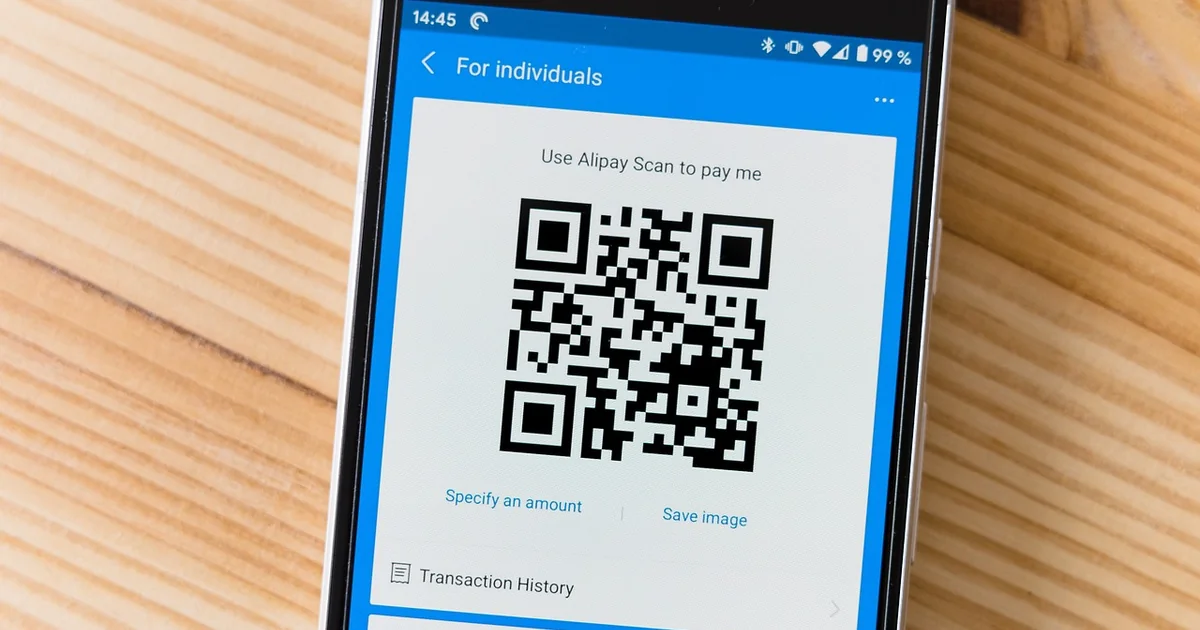
The demand for seamless, secure mobile banking experiences is higher than ever. This surge in banking app adoption reflects broader mobile banking trends, where convenience and trust drive user loyalty in the digital banking space. This guide walks you through the seven essential steps to build an app that meets these high expectations.
Step 1: Define Your App Type and Core Features
Before writing a single line of code, you must decide what kind of banking app you are building. This first step in mobile banking app development sets the direction for everything that follows. One common category is Basic Business Account Management Apps, which are designed for small businesses, freelancers, and startups. These apps focus on core tasks like checking balances, transferring funds, and managing invoices. On the other hand, consumer banking apps often prioritize personal budgeting, peer-to-peer payments, and spending alerts. Knowing your target audience helps you choose the right path from the start.
Once you pick your app type, it is time to prioritize features. Start with a Minimum Viable Product (MVP) that includes only the essential banking features your users need most. For a business app, that might be account overviews and transaction history. However, today’s users expect more. Must-have features now include AI insights to track spending patterns, advanced security like biometric logins, and seamless integrations with accounting tools or payment gateways. Feature prioritization means you build the core first, then add these modern upgrades. This approach keeps your development efficient and your launch on schedule.
Step 2: Choose the Right Development Approach
With your feature list prioritized, the next big decision is how to build the app. The choice between native vs hybrid vs cross-platform development directly impacts your budget and timeline. Each approach has distinct trade-offs in performance, cost, and time-to-market. Mobile banking app development costs range from $30,000 to $300,000 or more, depending on scope and complexity, so it’s worth understanding your options.
Native Development means building separate apps for iOS and Android using platform-specific languages like Swift or Kotlin. This gives you the best performance and full access to device features, ideal for high-security apps. However, it’s the most expensive and time-consuming path. Hybrid and Cross-Platform Options use frameworks like Flutter or React Native to share a single codebase across both platforms. This reduces development time and cost, but may introduce slight performance trade-offs for complex animations or hardware integrations. For many banking apps, these frameworks now offer sufficient reliability, making them a practical choice if you want to launch faster while keeping quality high.
Step 3: Design a FinTech-Inspired User Experience
Once you have your technology foundation in place, it is time to focus on how your app actually looks and feels. Users no longer judge mobile banking apps by security alone. They now expect the same polish and speed from their bank that they get from popular FinTech startups. This means your mobile banking app development project must prioritize a clean, intuitive interface. A seamless UX design for banking reduces drop-off rates and builds the trust required for users to manage their finances comfortably.
FinTech design trends have completely reset the bar. Think clean design, fast sign-ups, real-time support, and personalized dashboards. These are no longer nice-to-haves; they are the norm. Your user onboarding should be frictionless, perhaps letting users explore a demo account before committing to a full registration. Personalized dashboards that show spending habits or savings goals can make the app feel tailored to each user. By studying what makes FinTech apps so engaging, you can apply those same principles to your own app, ensuring it feels modern and responsive rather than clunky and outdated.
Step 4: Build a Scalable Technology Stack
Once you’ve designed a user experience that feels personal and responsive, it’s time to build the engine that powers it. According to McKinsey, global banks spend $600 billion annually on technology transformation — your stack must be future-proof. A scalable tech stack for a banking app starts with robust backend development, secure API integration, and reliable cloud banking infrastructure. The choices you make here will directly affect your app’s performance, security, and ability to grow without breaking down.
For backend and database decisions, focus on languages and frameworks known for stability and speed. Popular options include Java, Python, or Node.js for the server side, paired with a database like PostgreSQL or MongoDB. Your database must handle sensitive financial data efficiently while scaling as your user base grows. For API gateways and third-party integrations, adopt a microservices architecture. This approach lets you break the app into smaller, independent services — each handling a specific function like payments, user authentication, or fraud detection. Using secure APIs, you can connect to external services such as payment processors or identity verification tools without exposing your core system to risk. Cloud providers like AWS, Google Cloud, or Azure offer managed services that simplify scaling, reduce maintenance overhead, and keep your mobile banking app development on a solid, future-ready foundation.
Step 5: Implement Robust Security and Compliance
With your cloud infrastructure providing a scalable foundation, your next focus must be on the security layer that protects every transaction and user data. Regulations push the industry toward better digital infrastructure, and in mobile banking app development, security is non-negotiable. You must comply with several mandatory standards to operate legally and build trust. PCI DSS compliance ensures that payment card data is handled securely, while GDPR banking app rules govern how you collect and process personal data for European users. Similarly, CCPA requirements apply if you serve customers in California, giving them rights over their information. These frameworks are not optional—they are the baseline for launching a banking app.
To meet these obligations, you need to integrate secure authentication methods, such as biometric verification or multi-factor authentication, to prevent unauthorized access. Data encryption should be applied both in transit and at rest, ensuring that sensitive information remains unreadable if intercepted. Additionally, adopting open banking standards, which use APIs to share financial data securely with third parties, can improve your app’s functionality while remaining compliant. Features like AI insights and advanced security are becoming must-haves, but they only work if your compliance framework is solid. By prioritizing these elements during mobile banking app development, you create a reliable environment that users and regulators can trust.
Step 6: Develop, Test, and Iterate
With your compliance framework locked down, you can move into the build phase with confidence. The development phase must include rigorous testing to handle the high volume of interactions banking apps face. According to McKinsey, mobile service touchpoints in banking increased by 72%, reaching approximately 150 interactions per customer per year. That’s a lot of transactions, logins, and balance checks happening daily. Your app needs to handle it all without crashing or slowing down. Agile development is the practical way to manage this. With sprint planning, you break the work into short cycles, building features one piece at a time. This approach lets you catch issues early and adjust quickly, keeping your mobile banking app development on schedule.
Testing Phases
QA testing for banking apps isn’t a single step—it’s a continuous process. You’ll run unit tests on individual components, integration tests to check how features work together, and performance tests to see how the app holds up under heavy load. Each round helps you fix bugs before they affect users. Remember, in 2024, 92% of consumers in the US reported making at least one digital payment, with 60% having used in-app payment features. If your payment flow breaks, you lose trust fast. Regular testing throughout the development timeline ensures quality and speed don’t trade off against each other.
User Acceptance Testing (UAT)
Before launch, you need real people to try the app. User acceptance testing lets actual users—not just your developers—explore the interface, make payments, and check balances. They’ll spot confusion or glitches your team might miss. Gather their feedback, then iterate. Fix what doesn’t feel right, refine what works, and repeat until the experience feels smooth and reliable. This cycle of develop, test, and iterate is what turns a functional app into one people actually enjoy using.
Step 7: Plan for Post-Launch Maintenance and Updates
Launching your mobile banking app is a major milestone, but it is truly just the beginning. The real work of mobile banking app development continues long after the release. According to Forrester, 65% of online adults in the US in 2024 completed at least one financial task using a mobile app. That kind of user trust hinges on a reliable, secure, and continuously improving experience. Neglecting post-launch support can quickly erode that trust, leading to frustrated users and potential security risks.
Regular app maintenance covers multiple fronts. First, you need to apply security patches promptly to protect sensitive financial data. Second, banking app updates should address evolving regulatory requirements — compliance isn’t a one-time checkbox. Third, feature enhancements based on user behavior help keep your app competitive. Collect feedback through in-app surveys and app store reviews, then prioritize what to build next. Plan a cadence for minor bug fixes every few weeks and larger feature drops quarterly. A well-maintained app signals to users that you care about their experience, making retention and loyalty far easier to achieve.
Frequently Asked Questions
What are the exact 7 steps to develop a mobile banking app?
The process typically begins with market research and feature planning, followed by UI/UX design focused on mobile-first banking flows. You then move to backend architecture and API integration, security implementation, front-end development, and thorough testing. The final step is deployment and ongoing maintenance, ensuring compliance with financial regulations.
Which features are essential for a minimum viable banking app?
For an MVP, you need core account management, transaction history, and money transfer capabilities. Security features like multi-factor authentication and encrypted data storage are non-negotiable. A user-friendly dashboard and basic customer support integration also make the app functional and trustworthy from day one.
What security and compliance standards must a banking app meet?
Your app must comply with PCI DSS for payment data and local financial regulations like PSD2 in Europe. Encryption both in transit and at rest, secure authentication methods, and regular penetration testing are standard. You also need to implement fraud detection mechanisms and adhere to data privacy laws such as GDPR.