Why the iOS 26.5 Signing Window Closed So Quickly
Apple released iOS 26.5 to the public just last week. For a short window, users who installed it could revert to iOS 26.4.2 if something felt off. That window is now shut. As of yesterday, Apple stopped signing the older firmware, effectively locking everyone who updated onto the current version. This is standard practice for the company, but it carries specific consequences worth examining closely.
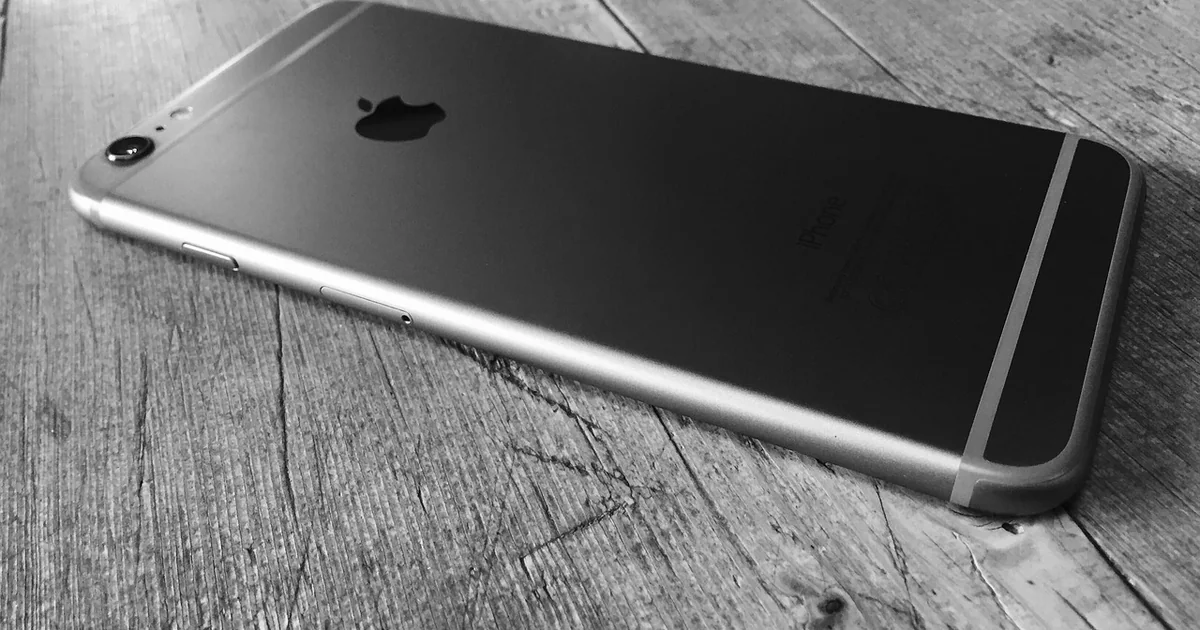
Apple’s signing servers act as a gatekeeper. When a version is being signed, iTunes, Finder, or the iPhone itself can accept the IPSW firmware file for that OS. Once signing stops, the server rejects it. This prevents downgrades entirely. The typical timeline varies. Sometimes a signing window stays open for a week or two. Other times, it closes within days. With iOS 26.5, the rapid signing stop suggests confidence.
Anecdotally, iOS 26.5 seems stable. But stability now doesn’t guarantee performance in every future scenario. This timing aligns with Apple’s broader calendar. WWDC is just a month away. iOS 27 will debut there. Apple likely wants a clean baseline on the current version before shifting focus to the beta cycle. For users, the swift closure means less room to maneuver if an issue emerges later.
26 Risks You Face Now That the iOS 26.5 Downgrade Path Is Blocked
1. The One-Button Trap
Installing iOS 26.5 takes a few minutes. Reversing it now takes a miracle. The convenience of the upgrade process contrasts sharply with the permanent feeling of being locked in. You clicked “Update Now” once, and that single action closed the door behind you.
2. Silent Battery Degradation
A minor firmware change can alter how the A-series chip manages power. Users on iOS 26.5 cannot compare their drain rate to the previous build. They simply have to accept whatever battery life they get. If your phone starts heating up or dying faster, there is no way to test if reverting to 26.4.2 would fix it.
3. The Late-Breaking App Bug
Imagine a parent discovers their child’s educational app crashes on 26.5. Since the ios 26.5 downgrade path is closed, they are stuck troubleshooting with the developer instead of restoring functionality instantly. This is especially hard for families who rely on specific apps for school or communication.
4. Workflow Disruption for Creators
A digital artist using a drawing app like Procreate might find a specific brush lagging. Without a fallback to 26.4.2, their entire project timeline is at risk. Musicians using audio plugins could see latency spikes that ruin a live recording session.
5. Interface Muscle Memory Broken
Apple tweaked a swipe gesture or control center layout in 26.5. The user’s muscle memory now fails them hundreds of times a day. That split-second hesitation when swiping can be maddening for someone who relies on speed.
6. Critical Security Patch With a Hidden Regression
Sometimes a security fix introduces a UI bug. Users who preferred the previous tradeoff now have no choice. You might be safer from a theoretical exploit but annoyed by a stuttery animation every time you open the App Store.
7. Developer Sandbox Problems
Developers testing an app on 26.5 cannot easily spin up a 26.4.2 simulator environment without the signature. If their app breaks on the new OS, they cannot verify whether it ever worked on the old one. This makes debugging significantly harder.
8. Beta Profile Purgatory
Users who installed the iOS 26.5 public beta and later moved to the production version sometimes have lingering profile issues. They cannot reinstall 26.4.2 to get a clean start. The ghost of the beta can cause strange configuration conflicts.
9. The Jailbreak Dream Dies
For those waiting for a 26.4.2 jailbreak, upgrading to 26.5 by accident or necessity destroyed their chance. Security researchers and enthusiasts who rely on jailbreaking for specific tweaks now need to find a new exploit that works on the newer build.
10. Corporate Device Compliance
An employee’s MDM profile might only be validated on 26.4.2. Upgrading means they lose access to corporate email or VPN. Some businesses take weeks to approve new OS versions. Users caught in the middle cannot revert to stay productive.
11. Family iCloud Sync Oddities
A family using shared albums or reminders might find sync slower on 26.5. Without a downgrade, they have to troubleshoot new settings. The shared grocery list fails to update, causing duplicate purchases at the store.
12. Gaming Optimization Regression
A popular game might have been optimized for 26.4.2. On 26.5, frame rates drop or the game crashes during loading screens. For teenage gamers in the family, this is a genuine source of frustration.
13. Loss of Personalized Shortcuts
Complex Apple Shortcuts automations sometimes break across minor OS updates. A user might have an elaborate morning routine that turns off lights, starts coffee, and reads the news. On 26.5, a specific action fails. Without a downgrade, they cannot test if the old OS would fix it.
14. CarPlay Instability
A user’s car stereo might have connectivity glitches on 26.5 that were absent on 26.4.2. Dropped calls or frozen maps during a commute become a safety hazard. The ios 26.5 downgrade closure means they just have to hope Apple patches it.
15. HomeKit Hub Downtime
A HomePod or Apple TV acting as a hub might become less reliable, breaking automations for lights and locks. Your porch light might not turn on at dusk, or your thermostat might ignore the schedule.
16. Keyboard and Dictation Changes
A small change in the predictive text engine can slow down someone’s typing speed significantly. If you dictate messages while cooking or driving, the accuracy might drop, leading to embarrassing errors.
17. VPN and Network Stack Resets
Corporate VPN configurations sometimes need to be re-entered after an update. Without a downgrade, the user just has to deal with it. Someone working remotely might lose access to their company’s internal network for days.
18. Accessibility Feature Shifts
A user relying on VoiceOver or Switch Control might find a critical gesture changed. For a person with limited mobility, this can render their phone unusable until they learn a completely new navigation system.
You may also enjoy reading: CircuitHub Takes $28M to Make PCBs Like Cloud Compute.
19. Third-Party Accessory Incompatibility
A Bluetooth keyboard or hearing aid might disconnect frequently on 26.5. Users with hearing impairments depend on stable connectivity. A glitchy connection isolates them from conversations.
20. File Provider Sync Slowness
Cloud storage apps like Dropbox or Google Drive might sync slower, affecting productivity. A photographer trying to upload images from the field might wait hours instead of minutes.
21. Weather and Location Glitches
A user’s favorite weather app might fail to update in the background. You might head out without an umbrella because the last refresh was stale. This is a small risk that compounds into daily inconvenience.
22. The “Wait and See” Mistake
A user who waited a week for 26.5 to stabilize and then updated, only to find the signing window already closed. Their caution was meant to protect them, but it backfired. They now regret not staying on 26.4.2.
23. No Possibility of Forensic Downgrade
Security researchers or journalists testing device security cannot analyze the previous OS version on the same hardware. If they discover a vulnerability in 26.5, they cannot compare it against 26.4.2 to see if it was always there.
24. Over-the-Air (OTA) Update Failures
Users who tried to update OTA and failed now have no alternative path to a signed restore. If the OTA download corrupted, they are stuck on a half-updated state with no way to factory reset to a signed version.
25. Media Playback Codec Changes
A rare audio or video codec shift might break playback for a specific media server. Your favorite podcast app might stop downloading episodes, or a home video might not play smoothly.
26. The Psychological Burden of Finality
Knowing the ios 26.5 downgrade door is permanently locked creates anxiety. Users become hyper-vigilant about bugs. Every small glitch feels larger because they know they cannot go back. This erodes trust in the update process and makes people hesitant to update again.
What You Can Do in the Meantime
Are there any unofficial workarounds? The straightforward answer is no. Apple’s security measures, specifically the Secure Enclave and Baseband checks, make downgrading without Apple’s signature essentially impossible for the average person. Tools exist in the jailbreak community, but they are unreliable, risk bricking the device, and violate Apple’s terms.
Restoring from an unencrypted backup while on an older firmware is one theoretical path, but the restore itself requires the signed IPSW. There is no legitimate, safe way to bypass the signing server check. Users searching for an ios 26.5 downgrade hack will mostly find outdated guides or scams. The safest move is to accept the current state.
How to verify the signing status yourself: If you ever face this situation again, you can check Apple’s signing status in real-time. Websites like IPSW.me or the AppleDB project track which versions are actively signed for each device model. Before updating to a major release, check the signing status of your current version.
Unless a critical security flaw or major bug emerges, Apple’s software focus has already shifted to iOS 27. The first beta will drop at WWDC next month. An iOS 26.6 beta might appear around that time, but mostly for bug fixes. Users who are unhappy on 26.5 have a wait ahead of them. The best strategy right now is to optimize what you have. Reset network settings, check background app refresh, and monitor battery health.
The closure of the ios 26.5 downgrade window is a reminder that Apple values consistency over flexibility. The twenty-six risks above highlight why some users prefer to wait. Always consider your specific apps and tolerances before hitting that “Update Now” button. Have you ever regretted an update you couldn’t reverse? Let us know in the comments.