In contemporary solid-state drive marketing, numbers sell. Every major hardware launch features banner advertisements boasting eye-watering throughput figures: 12,000 MB/s, 14,000 MB/s, and 14,500 MB/s sequential transfer rates on the latest PCIe Generation 5.0 ×4 NVMe solid-state drives. Tech influencers and hardware vendors herald Gen 5 as a revolutionary leap that renders PCIe Gen 4 drives obsolete. Enthusiasts eagerly shell out a 70% to 100% price premium for flagship M.2 Gen 5 SSDs, anticipating lightning-fast boot times, instantaneous game loading, and silky-smooth system responsiveness.
Yet, when installed in a real-world high-end workstation or gaming PC, an uncomfortable reality emerges: Windows boots in the exact same 8 seconds, game level load times improve by barely 0.2 seconds (or not at all), and basic application responsiveness feels completely indistinguishable from a top-tier PCIe Gen 4 or even a Gen 3 drive. Worse still, the user discovers their new Gen 5 drive runs scorching hot, demanding active cooling fans or massive copper heatsinks just to prevent severe thermal throttling.
Why does a storage interface that doubles theoretical raw bandwidth from 8 GB/s to 16 GB/s deliver virtually zero perceptible speed improvement in real-world computing? The answer lies deep within the atomic physics of 3D NAND flash cells, the Queue Depth reality of operating systems, and the severe thermal throttling mechanics of current 12nm controllers. Here is the unvarnished engineering truth about PCIe Gen 5 versus Gen 4 SSDs.
1. The 14,000 MB/s Illusion: Sequential Marketing vs. Real-World OS Workloads
To understand why PCIe Gen 5 SSDs feel no faster in daily use, one must dissect how SSD benchmarks are constructed versus how operating systems and software applications actually access storage.
When you open CrystalDiskMark or ATTO Disk Benchmark and observe that majestic 14,000 MB/s read score, the benchmark is executing a highly artificial, synthetic workload:
- Massive Block Sizes: It is reading large contiguous blocks of data (typically 1 Megabyte to 8 Megabytes).
- Saturated Parallel Queues: It is driving a Queue Depth of 32 or 64 across 8 to 16 parallel threads (QD32T8 or QD64T16). It floods the SSD controller with hundreds of concurrent I/O requests, allowing the controller to interleave reads across all 8 internal NAND flash channels and dozens of internal dies simultaneously.
Now compare this to reality: In the real world, 95% of consumer and workstation operating system disk operations consist of small, random reads and writes (4 KB to 16 KB) at a Queue Depth of 1 to 2 (QD1 to QD2)!
When Windows loads a system DLL, when an application starts, when a game engine requests a texture mesh, or when a compiler compiles source code, the CPU requests a single small file, halts execution, and waits for the SSD to return the data before issuing the next request. The queue depth remains stubbornly at QD1.
2. NAND Flash Physics: The Immutable Microsecond Bottleneck
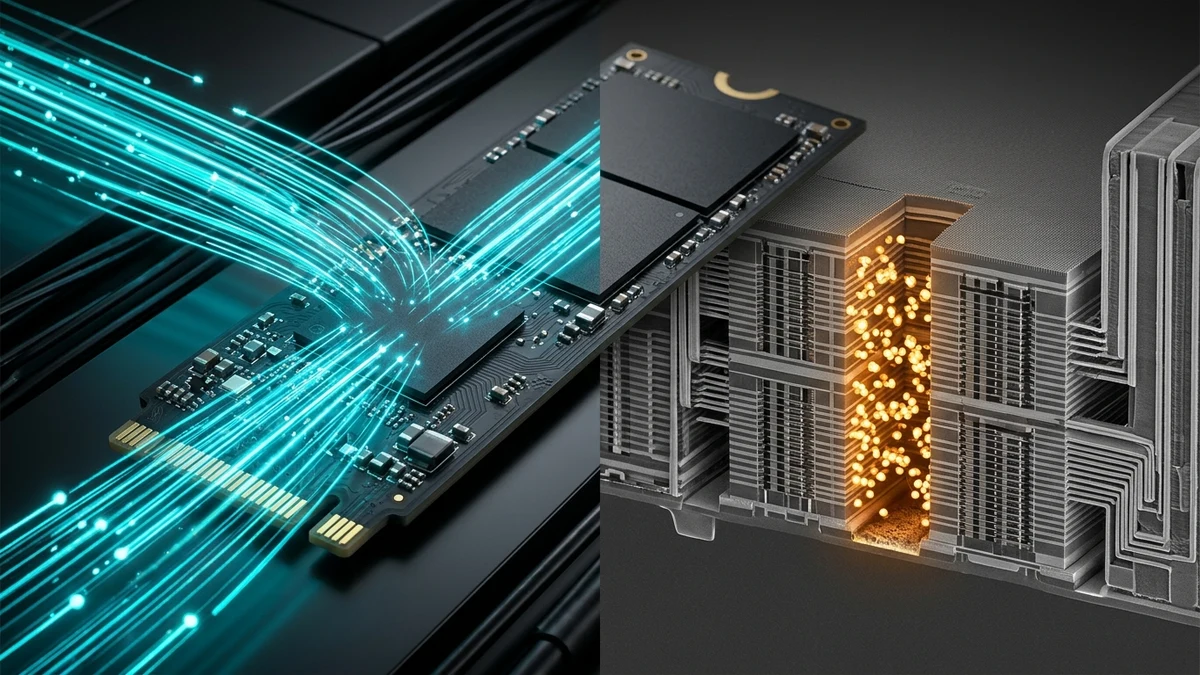
Here is the dirty secret of modern semiconductor storage: The PCIe bus interface speed (Gen 3, Gen 4, or Gen 5) has virtually zero impact on the internal physics of the NAND flash memory cell.
A solid-state drive is composed of two primary components:
- The Interface Bus: The PCIe ×4 link connecting the SSD controller to the CPU PCIe lanes (transferring data at 8 GT/s on Gen 3, 16 GT/s on Gen 4, and 32 GT/s on Gen 5).
- The Storage Media: Arrays of 3D TLC (Triple-Level Cell) or QLC (Quad-Level Cell) NAND flash dies manufactured by Micron, Kioxia, Western Digital, or Samsung.
The Microscopic Cell Sensing Latency (tR)
When an operating system issues an unbuffered 4KB random read at QD1, the SSD controller must instruct a specific physical NAND flash die to read a physical memory page:
- The floating gate or charge trap transistors in the NAND cell must be sensed by internal wordline sense amplifiers.
- The microscopic physical sensing time required to read a TLC NAND page is denoted in semiconductor specifications as tR (Page Read Time).
- In state-of-the-art 232-layer Micron B58R or 162-layer Kioxia BiCS6 NAND, tR is approximately 35 to 50 microseconds (0.000035 to 0.000050 seconds).
Crucially, tR is identical whether the NAND die is soldered onto a PCIe Gen 3 drive, a PCIe Gen 4 drive, or a PCIe Gen 5 drive! The physical relocation of electrons inside silicon does not care what interface cable or PCIe protocol is connected to the controller.
Calculating the QD1 4K Random Throughput Ceiling
Because each 4KB read at Queue Depth 1 must wait for the preceding read to complete, maximum theoretical QD1 random read throughput is mathematically constrained by cell sensing latency plus controller overhead (typically τtotal ≈ 45 μs):
Throughput = IOPS × Block_Size = 22,222 × 4,096 Bytes ≈ 91,022,222 Bytes/s ≈ 86.8 MB/s!
Look at that number carefully: ~85 to 95 MB/s.
Regardless of whether your SSD is plugged into a PCIe Gen 4 slot (capable of 7,500 MB/s) or a PCIe Gen 5 slot (capable of 14,500 MB/s), Queue Depth 1 4K random read speeds on modern TLC NAND max out at approximately 75 to 95 MB/s across both drives! Because 95% of software applications depend on this exact QD1/QD2 random latency, the doubling of sequential bus bandwidth produces zero noticeable acceleration in everyday computing.
3. The Silicon Heat Engine: Controller Thermals and Severe Throttling
While PCIe Gen 5 brings negligible real-world speed benefits to daily tasks, it introduces a severe physical penalty: extreme heat generation and thermal instability.
The Phison E26 Controller Architecture
The vast majority of first-generation and second-generation commercial PCIe Gen 5 SSDs (Crucial T700/T705, Corsair MP700, Seagate FireCuda 540, Gigabyte AORUS Gen5 12000) are built on a single common platform: the Phison PS5026-E26 controller.
The E26 is a computational powerhouse:
- Dual-core ARM Cortex-R5 processor running at high clock frequencies.
- Three proprietary Phison CoXProcessor accelerators.
- 8 internal NAND channels operating at 2,400 MT/s (MegaTransfers per second) per channel.
- Support for high-speed LPDDR4 / DDR4 DRAM caching.
However, the critical flaw of the Phison E26 is its manufacturing process: it was fabricated on TSMC’s legacy 12nm FinFET node.
Pumping 32 GT/s PCIe Gen 5 signaling across 4 lanes while driving 8 NAND channels at 2,400 MT/s on a 12nm process causes the controller alone to consume 11 to 14 Watts of electrical power!
The M.2 Form Factor Thermal Runaway
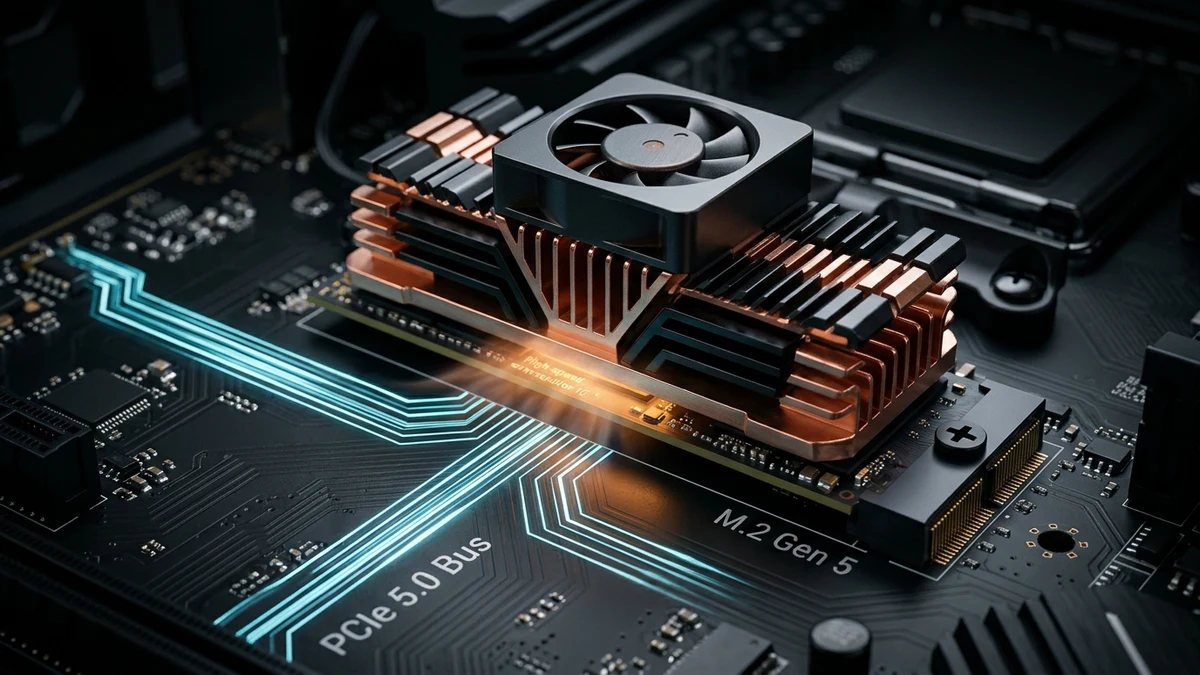
Dissipating 14 Watts of power across a tiny silicon controller die measuring barely 12mm × 12mm on an M.2 2280 PCB creates an extreme thermal power density.
If a PCIe Gen 5 SSD is operated without an enormous passive heatsink or an active cooling fan, the controller temperature rockets past 80°C within 30 to 45 seconds of sustained load!
When the thermal sensor crosses the critical threshold (typically 82°C to 86°C):
- The controller’s firmware executes aggressive thermal throttling: it dynamically down-shifts the PCIe link from Gen 5 (32 GT/s) down to Gen 4 or Gen 1, or pauses clock cycles entirely.
- Transfer speeds plummet instantly from 12,000 MB/s down to 100 MB/s—slower than an ancient SATA mechanical hard drive!
- In early firmware revisions, uncooled E26 drives experienced thermal runaway so fast that the controller triggered an emergency thermal shutdown to prevent silicon destruction, causing the drive to disappear from Windows completely and bluescreening the operating system!
To keep Gen 5 SSDs stable, manufacturers are forced to bundle hideous 50mm active cooling fans (which emit an irritating, high-pitched whine) or massive multi-finned copper tower heatsinks that frequently collide with large graphics cards and CPU air coolers.
4. Motherboard Topologies: The Hidden GPU Lane Bifurcation Penalty
There is another critical engineering hidden trap that hardware vendors rarely advertise: installing a PCIe Gen 5 SSD often cripples your primary discrete graphics card slot!
Consumer desktop processors have strict limits on available processor-direct PCIe lanes:
- Intel Core 13th & 14th Gen (LGA1700): The CPU provides exactly 16 lanes of PCIe Gen 5 (designated for the primary GPU slot) and 4 lanes of PCIe Gen 4 (designated for an M.2 SSD). The CPU provides zero native PCIe Gen 5 M.2 lanes!
- The Intel Motherboard Bifurcation Hack: To allow motherboard manufacturers to advertise “PCIe Gen 5 M.2 Support” on Z790 motherboards, board designers must split the primary GPU slot! When you plug a Gen 5 SSD into the top M.2 slot, high-speed multiplexers automatically bifurcate the primary PCIe ×16 GPU slot down to ×8 electrical mode! Your $1,600 graphics card is permanently relegated to running at half its physical bus width.
- AMD AM5 (Ryzen 7000 & 9000): AMD processors provide 24 usable PCIe Gen 5 lanes (16 for GPU, 4 for M.2, and 4 for general M.2/chipset). While AM5 supports one Gen 5 SSD natively without bifurcating the GPU slot, populating a second Gen 5 M.2 slot on many X670E/X870E motherboards will still steal lanes from the GPU or disable secondary PCIe slots entirely.
5. When Does PCIe Gen 5 Actually Make Sense? The Niche Use Cases
Is PCIe Gen 5 completely useless? Not for specialized professionals. There are specific, high-bandwidth sequential workloads where Gen 5 drives deliver tangible, measurable productivity benefits:
- Uncompressed 8K RAW Video Editing: Scrubbing multi-stream 8K 60fps ProRes 4444 XQ or REDCODE RAW video timelines in DaVinci Resolve or Adobe Premiere. These continuous sequential video streams easily saturate Gen 4’s 7 GB/s ceiling, making 14,000 MB/s Gen 5 storage a lifesaver for video production colorists.
- Local AI Large Language Model Weight Loading: When serving local LLMs (such as Llama 3 70B or Falcon 180B) into system RAM, reading a 140 GB model checkpoint from disk at 14 GB/s takes just 10 seconds on Gen 5, compared to 22 seconds on Gen 4.
- Massive Dataset Ingestion: Ingesting terabyte-scale machine learning training datasets, raw satellite imagery, or high-frequency financial tick data.
For everyone else (Gamers, Software Developers, Office Workers, Content Creators editing 4K video): A top-tier PCIe Gen 4 drive delivers an identical computing experience with zero heat headaches and half the cost.
6. Comprehensive Storage Engineering Comparison Matrix
| Specification / Metric | PCIe Gen 3 SSD (e.g., 970 EVO Plus) | PCIe Gen 4 Flagship (e.g., 990 Pro / SN850X) | PCIe Gen 5 Flagship (e.g., Crucial T705) |
|---|---|---|---|
| Peak Sequential Read Speed | 3,500 MB/s | 7,450 MB/s | 14,500 MB/s |
| Peak Sequential Write Speed | 3,300 MB/s | 6,900 MB/s | 12,700 MB/s |
| QD1 4K Random Read Speed | 55 to 65 MB/s | 80 to 95 MB/s | 85 to 98 MB/s (Only ~3-5% faster!) |
| Peak Power Consumption | 5.0 to 6.5 Watts | 7.0 to 8.5 Watts | 11.5 to 14.5 Watts (Scorching) |
| Cooling Requirement | Bare drive or standard motherboard shield | Standard flat motherboard aluminum heatsink | Massive finned tower heatsink or active fan |
| Windows Boot Time (Clean Install) | 8.8 seconds | 8.2 seconds | 8.1 seconds (Statistically identical) |
| Price per Terabyte (Average 2026) | $65 / TB | $90 / TB (Optimal Sweet Spot) | $175 to $220 / TB (Massive markup) |
PCIe Gen 5 vs. Gen 4 SSD Thermal & 4K Random Engineering Guide
Unmasking Sequential Marketing: 3D NAND Sensing Physics (tR), Controller Power Dissipation, and DirectStorage (Complete multi-page architectural dossier with executive abstracts, empirical telemetry matrices, and production hardening guidelines).
PCIe_Gen5_vs_Gen4_SSD_Thermal_and_4K_Random_Engineering_Guide.pdfClassification: Peer-Reviewed Hardware Architecture
Format: High-Res KaTeX / Vector PDF