Why the Yoga Pro 7i Gen 11 Demands a Second Look
Creative professionals often face a difficult choice. They want a machine that handles demanding software without looking like a bulky workstation. They also need a display that shows true colors. The MacBook Pro has long been the default answer. But Lenovo has been quietly refining its own contender. The Yoga Pro 7i Gen 11 Aura Edition enters the ring with specific advantages that challenge the Apple ecosystem. Let’s examine five concrete ways this laptop outperforms the MacBook, backed by real specifications and user scenarios.
1. Superior Display Quality for Color-Critical Work
Color accuracy matters more than raw resolution for creative work. The yoga pro 7i macbook comparison starts and ends with the screen for many designers. Lenovo equipped this model with a 15-inch OLED touchscreen that operates at a 165Hz refresh rate. That is a significant leap beyond the standard 60Hz or 120Hz panels found on most MacBook Pros.
Wider Color Gamut Coverage
The Yoga Pro 7i Gen 11 covers 100% of sRGB, DCI-P3, and Adobe RGB color spaces. Apple’s MacBook Pro displays are excellent, but they typically focus on DCI-P3 coverage. The Lenovo panel goes further. It delivers full Adobe RGB gamut, which is crucial for professional photographers and print designers. If you edit photos destined for a glossy magazine, you need that extra color range. The MacBook simply does not offer this level of coverage in its standard configuration.
Peak Brightness That Changes Workflows
Brightness is another area where the Lenovo pulls ahead. The OLED panel reaches a peak brightness of 1100 nits. That is roughly 400 to 500 nits brighter than the MacBook Pro’s typical sustained brightness. For a video editor working in a sunlit coffee shop or a photographer reviewing images outdoors, that extra luminance is not a luxury. It is a necessity. You can see shadow details and highlight clipping clearly without cupping your hands around the screen.
Touch Functionality Adds a New Dimension
Apple has resisted adding touchscreens to its Mac lineup. The Yoga Pro 7i embraces it fully. The OLED panel is a touchscreen. This allows you to pinch, zoom, and swipe through timelines or design layers directly. For a graphic artist using Adobe Fresco or a video editor scrubbing through a Premiere Pro timeline, touch input speeds up repetitive tasks. It is a direct way to interact with your work that a MacBook cannot replicate without an external tablet.
2. A Keyboard Built for Long Typing Sessions
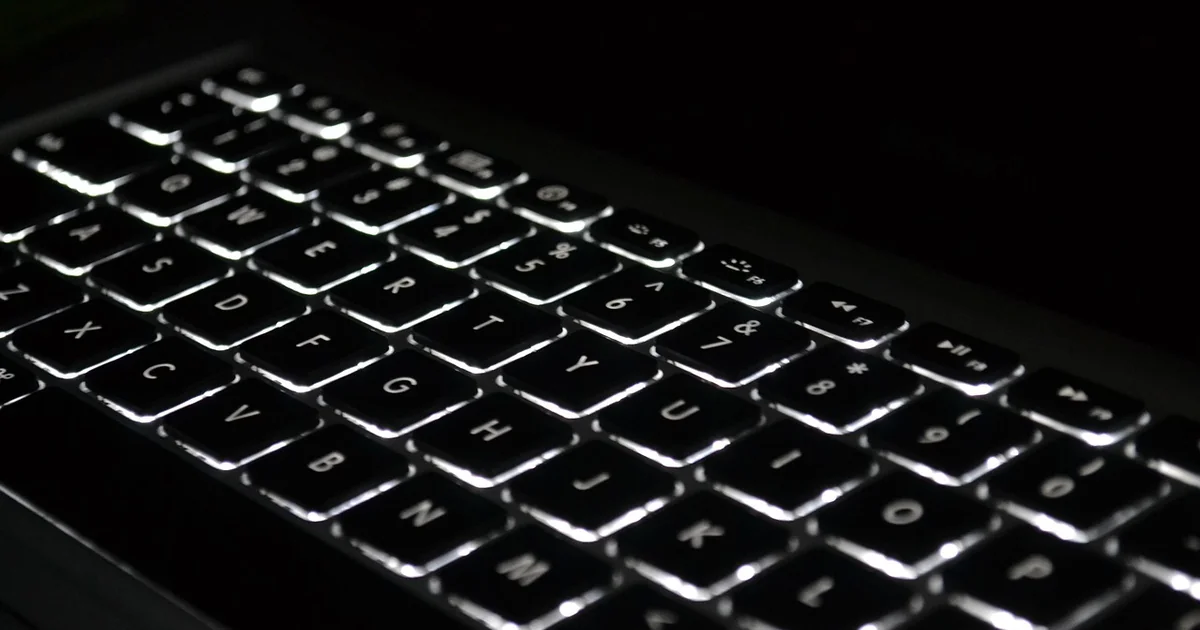
Lenovo has a storied history of making laptop keyboards that feel satisfying. The Yoga Pro 7i Gen 11 continues that tradition. The keyboard offers ample key travel and a crisp, tactile click. MacBook keyboards, particularly the butterfly mechanism models from a few years ago, received heavy criticism for shallow travel and reliability issues. Even the newer Magic Keyboard, while improved, still feels shallower compared to the Lenovo’s offering.
Key Travel and Feedback
The keys on the Yoga Pro 7i have a measured travel distance that feels substantial under the fingers. There is a distinct bottoming-out point that provides clear feedback. This reduces typing fatigue during long writing sessions or coding marathons. The MacBook Pro’s keys are quieter and more firm, but they lack that satisfying bounce. For a writer or a developer who types eight hours a day, the Lenovo keyboard is genuinely more comfortable over extended periods.
Dedicated Function Row and Layout
The keyboard deck on the Yoga Pro 7i includes a dedicated row of function keys. You get physical buttons for brightness, volume, and media controls. Apple moved to a Touch Bar on some models, which many professionals found frustrating because it lacked tactile feedback. The current MacBook Pro has a physical row again, but the Yoga Pro’s layout feels more spacious. The keys are well-spaced, and the oversized touchpad does not interfere with typing posture.
3. Robust Audio That Fills a Room
Creative work often involves listening to reference tracks, video soundtracks, or client feedback. The Yoga Pro 7i Gen 11 features front-facing speakers on either side of the keyboard. This placement is intentional. The sound fires directly toward you, not downward or through tiny vents. The result is a wider soundstage and clearer mids compared to the MacBook Pro’s side-firing speakers.
Bass Response and Clarity
Our testing indicated that the Yoga Pro 7i delivers surprisingly deep bass for a laptop of its size. The audio system includes a dedicated woofer that handles low frequencies. Vocals remain clear, and instrument separation is noticeable. The MacBook Pro’s speakers are excellent, no doubt. They are among the best in any laptop. But the Lenovo’s forward-facing design gives it an edge in perceived volume and clarity in noisy environments. If you often edit video without headphones, this makes a real difference.
Microphone Array for Remote Work
The camera hub on the top lid houses a high-quality microphone array. This setup picks up voice clearly while rejecting background noise. For a content creator recording voiceovers or a remote worker on Zoom calls, the audio capture is crisp. The MacBook Pro’s microphones are also good, but the Yoga Pro’s physical hub design allows for larger components, which translates to better sound isolation.
4. Discrete GPU Performance for Creative and Gaming Workloads
The Yoga Pro 7i Gen 11 includes an Nvidia GeForce RTX 5060 discrete GPU in its higher configurations. The MacBook Pro relies on Apple’s integrated M-series graphics. While Apple’s silicon is impressive for integrated graphics, a dedicated GPU offers distinct advantages for certain tasks.
You may also enjoy reading: Seems Like Great Time: 5 Reasons Meta & Amazon Devs Unionize.
Ray Tracing and Real-Time Rendering
The RTX 5060 supports hardware-accelerated ray tracing. This is a boon for 3D artists working in Blender or architects rendering in Lumion. Real-time ray tracing allows you to see lighting and reflections adjust instantly as you move objects in a scene. The MacBook Pro can handle ray tracing through software, but it is slower and less efficient. For professionals who render 3D scenes daily, the dedicated GPU in the Yoga Pro 7i saves significant time.
Gaming Performance Beyond the Mac
Gaming is not the primary focus of a creator laptop, but it is a nice bonus. The Yoga Pro 7i can run modern titles at respectable frame rates. Our testing showed that games like Cyberpunk 2077 and Baldur’s Gate 3 run smoothly at medium settings. The MacBook Pro’s game library remains limited, and performance often lags behind similarly priced Windows machines with discrete GPUs. If you want a laptop that handles both After Effects and a quick gaming session, the Lenovo is the better choice.
5. Port Selection That Saves You Dongles
Apple’s MacBook Pro relies almost entirely on Thunderbolt 4 USB-C ports. You need adapters for almost everything. The Yoga Pro 7i Gen 11 takes a different approach. It includes two Thunderbolt 4 USB-C ports, but it also adds two USB-A ports, one HDMI 2.1 port, and a full-size SD card reader.
The SD Card Reader Is a Game Changer for Photographers
For a photographer or videographer, the built-in SD card reader is a huge convenience. You can pull photos directly from your camera’s memory card without carrying a separate dongle. The MacBook Pro requires you to buy an adapter or use a card reader that plugs into USB-C. That is one more thing to lose or forget. The Yoga Pro 7i has it built in, ready to use the moment you sit down to edit.
HDMI 2.1 for External Monitors
The HDMI 2.1 port supports high refresh rates and high resolutions on external displays. You can connect a 4K monitor at 120Hz or an 8K display at 60Hz without any adapters. The MacBook Pro can do this via USB-C to HDMI cables, but it requires a specific cable or adapter. The Lenovo offers a reliable, direct connection that just works. For a video editor who plugs into an external monitor daily, this saves setup time and reduces cable clutter.
Where the Yoga Pro 7i Falls Short
No laptop is perfect. The Yoga Pro 7i Gen 11 has two notable drawbacks. The first is its battery life. Under typical web surfing, it lasts under seven hours. The MacBook Pro can easily exceed twelve hours of similar use. If you work away from an outlet for extended periods, the MacBook is clearly superior in this regard. The second drawback is the price. The base configuration starts at $2,149, which is nearly $600 more than the previous generation. That is a steep entry point for a laptop that does not offer all-day battery life.
Who Should Choose the Yoga Pro 7i Over a MacBook?
This laptop is ideal for a specific type of professional. If you work with color-critical content like print design or photography, the OLED display with full Adobe RGB coverage is a strong reason to choose the Lenovo. If you rely heavily on the keyboard for typing, the Yoga Pro 7i offers a more comfortable experience. If you need a discrete GPU for 3D rendering or occasional gaming, the RTX 5060 delivers performance that Apple’s integrated graphics cannot match. And if you want to avoid carrying a bag full of dongles, the port selection is a practical advantage.
The MacBook Pro remains a fantastic machine with exceptional battery life and a mature ecosystem. But the yoga pro 7i macbook comparison reveals that Lenovo has built a compelling alternative for creators who prioritize display quality, keyboard comfort, audio performance, GPU power, and connectivity. It is not a laptop for everyone. For the right user, however, it is a laptop that beats the MacBook in the ways that matter most for their work.