The modern smartphone is a marvel of engineering, yet it functions as a double-edged sword for anyone attempting to maintain a state of deep work. We often pick up our devices with the most innocent of intentions, perhaps to check a single upcoming meeting or glance at a quick notification. However, the moment that high-resolution screen illuminates, we are met with a barrage of colorful icons, red notification badges, and infinite scrolling feeds designed specifically to hijack our dopamine pathways. This phenomenon, often referred to as task switching, can cost a person up to forty percent of their productive time as the brain struggles to refocus after every digital interruption.
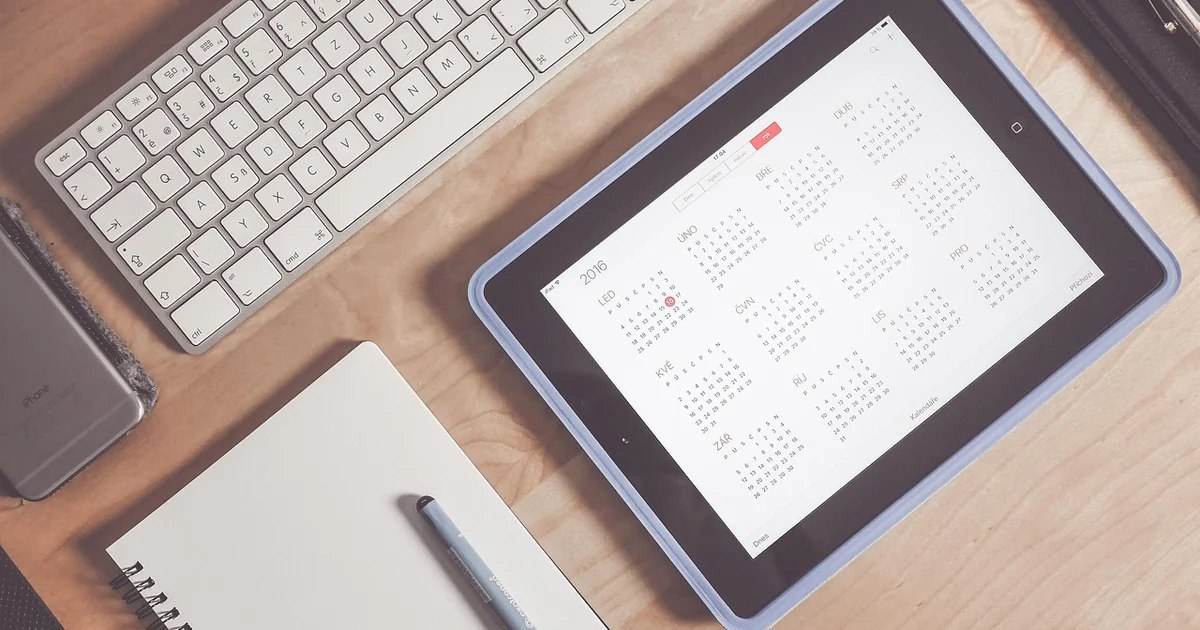
To combat this cognitive drain, a new wave of digital minimalism is emerging, focusing on ambient information rather than interactive distraction. One highly effective way to reclaim your focus is through the implementation of a compact calendar display. By moving essential temporal data from a high-bandwidth, distracting device to a low-fidelity, dedicated hardware tool, you create a physical barrier between your schedule and the chaos of the internet. This shift allows you to remain aware of your commitments without ever entering the “attention trap” of a smartphone.
7 Ways a Compact Calendar Display Reduces Phone Dependency
1. Breaking the Cycle of Context Switching
Context switching is the mental tax paid when moving from one task to another. Every time you pick up your phone to check your schedule, you are performing a massive context switch. You move from your work software to your mobile operating system, navigate through apps, and potentially encounter a text message or a news alert. This process shatters your flow state. A dedicated hardware device, such as one built around a Waveshare ESP32 board, allows you to view your next appointment in 15-minute blocks without ever leaving your primary workstation. By keeping your eyes on the desk rather than in your palm, you keep your mental momentum intact.
2. Utilizing Low-Fidelity Visual Information
High-resolution screens are designed to be immersive. They use vibrant colors and sharp edges to draw the eye and hold it captive. In contrast, a compact calendar display that utilizes an 8×8 RGB LED matrix provides a much more disciplined form of communication. Because the information is pixelated and limited in detail, it cannot compete with the high-definition allure of a YouTube thumbnail or a polished Instagram photo. This “low-fidelity” approach is a deliberate design choice that serves the user’s focus. It provides just enough information to be useful—such as a color-coded block representing a meeting—while remaining too visually “boring” to trigger a dopamine spike.
3. Implementing Intentional Tactile Interactions
Touchscreens are designed for infinite, frictionless scrolling, which is the enemy of intention. When you swipe a screen, you are engaging in a gesture that is almost too easy to perform. A physical device, however, can utilize tactile feedback to enforce intentionality. Imagine a device that uses a QMI8658 6-axis sensor to detect orientation. Instead of swiping through a menu, you might physically flip the device over to switch from a calendar view to an ambient mode. This physical movement acts as a conscious decision point. It turns a mindless habit into a deliberate action, reinforcing your control over the technology rather than letting the technology control your movements.
4. Creating an Ambient Information Environment
Digital minimalism is not about living in a dark room without technology; it is about making technology serve your environment. Ambient displays allow information to exist in the periphery of your vision. When your schedule is displayed on a small, 3D-printed housing on your desk, it becomes part of your physical workspace, much like a wall clock or a notepad. You don’t have to “go to” the information; the information is simply “there.” This reduces the friction of time management while simultaneously removing the gateway to distraction. You can glance at the LED matrix, see that your next meeting is in twenty minutes, and immediately go back to your deep work.
5. Reducing the Notification Overload Effect
One of the greatest challenges of modern productivity is the “notification blizzard.” On a smartphone, a calendar alert is often accompanied by a vibration, a sound, and a visual banner that might also show a preview of a message from a different app. This creates a sense of urgency and anxiety. A dedicated display can be programmed to show only the most critical data points. By stripping away the bells and whistles, you eliminate the “false urgency” that many smartphone notifications create. You receive the data (the time and the event) without the emotional baggage of the notification ecosystem.
6. Encouraging Custom Hardware for Specific Workflows
Standardized consumer electronics are built for the masses, which means they are built to be as engaging (and distracting) as possible. However, the maker culture and DIY electronics movement allow for the creation of highly specialized tools. By using accessible components like an ESP32, a user can build a tool that does exactly one thing: show their schedule. This level of customization ensures that there are no “hidden” features to distract you. There is no web browser on an LED matrix, no app store, and no social media. The device is a singular-purpose tool, making it a perfect companion for someone who needs to manage high-concentration tasks in a demanding professional environment.
You may also enjoy reading: How to Get the Google Pixel 10 Pro XL for Free from AT&T.
7. Providing a Physical Boundary for Digital Tasks
There is a profound psychological difference between a tool that lives in your pocket and a tool that lives on your desk. When your schedule is on your phone, it is always with you, even during dinner, in bed, or during a walk. This makes it incredibly difficult to “unplug.” By moving your primary time-tracking to a compact calendar display on your desk, you create a physical boundary. When you leave your desk, you leave your schedule behind. This helps in establishing clear transitions between “work mode” and “rest mode,” which is essential for long-term mental health and preventing burnout in an era of constant connectivity.
Practical Steps to Implement a Low-Distraction Workspace
If you are feeling overwhelmed by phone dependency, you don’t need to throw your smartphone in a drawer and move to a cabin in the woods. You can implement small, tactical changes to your environment. The goal is to move from “reactive” technology use to “proactive” technology use. Here is a step-by-step approach to transitioning your workflow.
First, audit your current notifications. Go into your smartphone settings and disable every single notification that is not strictly essential for immediate safety or urgent communication. If it is a social media “like,” a news alert, or a promotional email, it should not be allowed to interrupt your focus. Second, designate a “primary information zone” on your desk. This is a physical space where your most important tools live. Adding a dedicated display to this zone helps anchor your attention to your work.
For those with a technical inclination, building your own device is a rewarding way to gain agency over your digital life. You can start by experimenting with microcontrollers and small LED matrices. The process of designing a housing—perhaps using a 3D printer to create a grid that diffuses light into a clean, pixelated aesthetic—forces you to think deeply about how you consume information. You aren’t just consuming a product; you are designing a workflow. This intentionality is the ultimate defense against the mindless consumption that smartphones encourage.
Ultimately, the goal of using a compact calendar display is to reclaim your most precious resource: your attention. By choosing tools that provide information without demand, you create a workspace that supports focus rather than fighting against it. Whether through a DIY project or a simple desk clock, the shift toward ambient, low-fidelity information is a powerful step toward a more intentional and productive life.