The history of computing is often told as a linear progression from massive mainframes to the sleek, silent smartphones in our pockets. We tend to focus on the giants like IBM or the meteoric rise of Microsoft, yet there are entire chapters of technological evolution that have slipped into the shadows of obscurity. One such chapter involves the ambitious attempt to bring high-level workstation power to the desktop through the at&t unix pc. Long before the open-source revolution of Linux provided a stable foundation for modern servers, there was a period of intense, messy, and fascinating competition where proprietary operating systems fought for dominance in the office and the home.
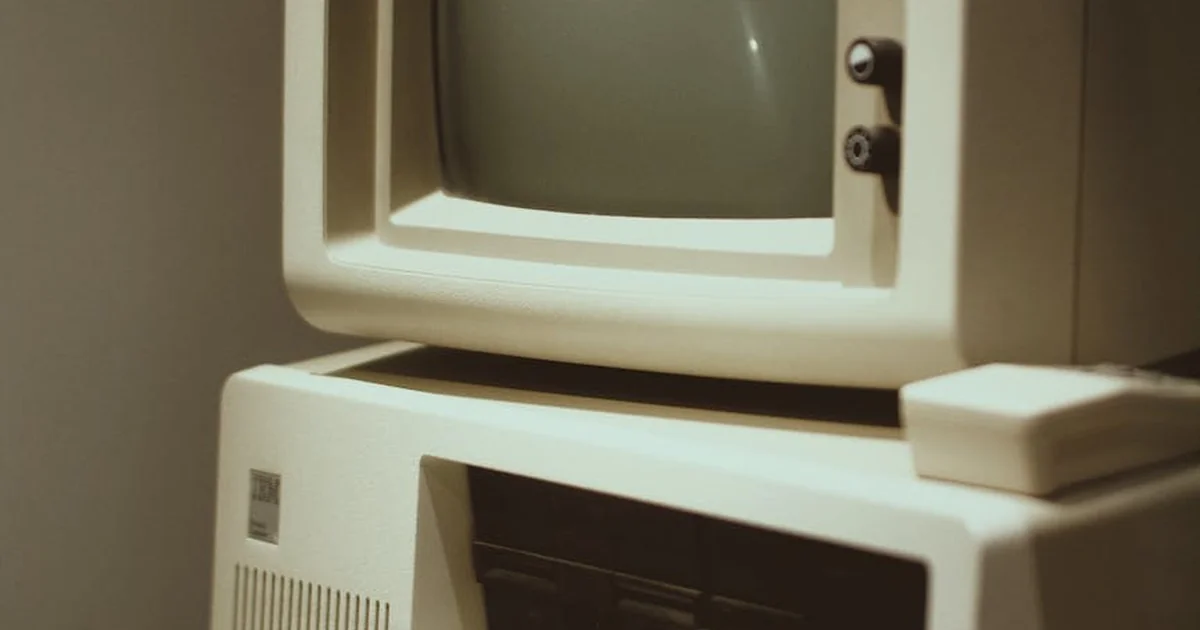
For the modern enthusiast, looking back at the mid-1980s feels like peering into a digital prehistoric era. It was a time when the very definition of a “personal computer” was in flux. Was it a machine meant for simple word processing and spreadsheets, or was it a powerful tool capable of multitasking and complex networking? This tension defined the era, and nothing illustrates this struggle better than the specialized hardware that attempted to bridge the gap between professional Unix workstations and the burgeoning IBM PC standard.
The Architecture of an Ambition: Uncovering the Hidden History
To understand why certain machines disappeared while others became household names, we have to look at the specific friction points of the 1980s. The at&t unix pc was not merely a computer; it was a statement of intent. It sought to provide the multi-user, multi-tasking capabilities of a high-end laboratory workstation in a form factor that could theoretically sit on a desk. However, the gap between theoretical capability and practical usability was a canyon that many early manufacturers struggled to cross.
When we examine the technical specifications of this era, we see a fascinating paradox. On one hand, the software was lightyears ahead of its contemporaries in terms of sophistication. On the other hand, the hardware was often gasping for air under the weight of its own intelligence. This imbalance created a unique set of challenges for users, ranging from agonizingly slow boot times to the constant anxiety of hardware failure. By dissecting the specific secrets of this machine, we can learn a great deal about the DNA of modern computing.
1. The Heavy Burden of Multitasking on 10 MHz Silicon
The heart of the 1985 model was a Motorola 68010 processor running at a modest 10 MHz. While this might sound functional for simple tasks, the reality of running a Unix-based environment was much more demanding. Unlike MS-DOS, which was essentially a single-tasking operating system that managed one program at a time, Unix was designed to handle multiple processes simultaneously. This meant the CPU had to constantly context-switch, managing memory, file permissions, and various background tasks all at once.
For a retro-computing enthusiast, this provides a perfect case study in resource contention. Because the processor was working so hard to manage the complex architecture of the operating system, the actual user applications often felt sluggish. To a person used to the snappy, if limited, response of an IBM PC running DOS, the Unix machine appeared to be moving through molasses. The secret here is that the machine wasn’t actually “slow” in a vacuum; it was simply performing a much more complex set of calculations that the 10 MHz silicon was barely equipped to handle.
2. The Three-Minute Wait: The Cold Start Problem
In our modern era of instant-on SSDs and rapid sleep-to-wake transitions, the concept of a three-minute cold start feels like an eternity. For the at&t unix pc, however, a three-minute boot sequence was considered relatively standard for a Unix setup of the period. This delay wasn’t just a matter of waiting for a disk to spin up; it was a period where the system was initializing complex file systems, checking hardware integrity, and setting up the multi-user environment.
This latency created a psychological barrier for users. In a fast-paced business environment, the “friction” of starting a task can be just as important as the speed of the task itself. If a user has to wait several minutes just to begin typing a memo, the perceived value of the machine drops significantly. This delay highlights a recurring theme in tech history: the struggle to make powerful, complex software feel “light” and accessible to the end user.
3. The Fragile Heart of the System: Hard Drive Reliability
One of the most significant technical hurdles for this machine was its storage subsystem. While having a 10 or 20 MB hard drive was a luxury in 1985, these early mechanical drives were notoriously temperamental. They were prone to physical failure, head crashes, and data corruption, often due to the sheer mechanical stress of the era’s manufacturing processes. For a professional relying on this machine for critical data, the hard drive was a constant source of anxiety.
If you were a tech historian analyzing this failure, you would note that the hardware was the Achilles’ heel of the entire ecosystem. Even if the software was brilliant, a machine that loses your work due to a mechanical failure is a machine that cannot be trusted. This era taught the industry a vital lesson: software sophistication is meaningless if the underlying storage medium cannot provide the necessary reliability to support it.
4. The Aesthetic Paradox of High-End Design
Physically, the machine was a striking piece of industrial design. It featured a built-in monochrome monitor with a resolution of 720×384 and a removable keyboard, giving it a silhouette that echoed the premium feel of a high-end Apple II. It was designed to look like a serious tool for serious people. It wasn’t just a beige box; it was a piece of office furniture that signaled technological prowess.
However, this aesthetic elegance often masked the functional limitations within. The three expansion slots provided a way to grow, but they also highlighted the “modular” struggle of the time. To make the machine truly capable of competing in a professional setting, users often had to invest in additional hardware, further driving up the cost. The machine looked like the future, but its internal components often felt tethered to the limitations of the present.
You may also enjoy reading: How Apple Leads the Satellite Smartphone Market with 5 Uses.
5. The $15,000 Barrier and the IBM Price War
Perhaps the most insurmountable secret of the at&t unix pc was its price tag. At an introduction price of approximately $15,000, it sat in a precarious market position. To put that in perspective, a comparable IBM AT—the gold standard for business computing at the time—could be acquired for roughly half that amount. This created a massive value gap that was difficult to justify to corporate procurement departments.
When a business looks at a purchase, they perform a cost-benefit analysis. If an IBM PC can do 80% of what the Unix machine can do for 50% of the price, the decision is almost always made for them. The Unix machine was essentially a luxury item in a market that was rapidly moving toward standardization and cost-efficiency. It was a victim of being “too much machine” for the budget-conscious enterprise of the mid-80s.
6. The DOS Safety Net: The 8086 Expansion Board
Recognizing that they were fighting an uphill battle against the dominance of the IBM standard, engineers included a clever, if somewhat contradictory, feature: an 8086 expansion board. This allowed the machine to boot and run MS-DOS. This was a strategic attempt to provide a “safety net” for users who feared being locked into a Unix-only ecosystem. It was a way to say, “We can do everything Unix does, but we can also run your existing DOS software.”
While this increased the machine’s versatility, it also diluted its identity. It was an attempt to be two things at once: a high-end Unix workstation and a standard PC. In the world of hardware, trying to be everything to everyone often results in a product that excels at nothing. This feature serves as a historical reminder that compatibility is often a double-edged sword in the evolution of operating systems.
7. The Memory Ceiling: From 512K to 4M
Finally, we must consider the memory architecture. The machine shipped with 512K of RAM, which was a respectable amount for the time, but the ability to upgrade to 4MB was the real selling point. In the context of 1985, 4MB of RAM was a massive amount of workspace, capable of supporting much more complex computational tasks than a standard PC.
The challenge, however, was the cost of that expansion. To reach that 4MB threshold, a user would have to spend a significant portion of the machine’s original price. This created a tiered experience where the base model was often underpowered for the very OS it was designed to run, and the “true” experience was only available to those willing to pay a premium. This gap between the entry-level experience and the intended professional experience is a common pitfall in high-end hardware development.
Lessons from a Digital Ghost
Reflecting on the at&t unix pc allows us to see the patterns that govern the tech industry. We see the struggle between power and simplicity, the tension between proprietary and standard architectures, and the eternal battle between high-end features and consumer affordability. While the machine itself failed to capture the market, its DNA lives on in every modern server and workstation that utilizes a Unix-like kernel.
If you are a modern developer or a hardware enthusiast, these historical failures are not just trivia; they are blueprints. They show us that success in the technology sector requires more than just superior code or faster processors. It requires a harmonious balance of reliability, user experience, and economic viability. The ghosts of the 1980s remind us that even the most brilliant ideas can vanish if they cannot find a way to live within the constraints of the real world.